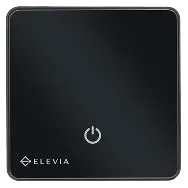
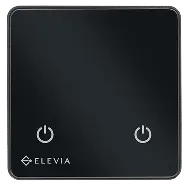
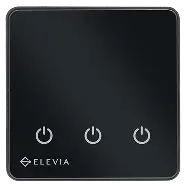
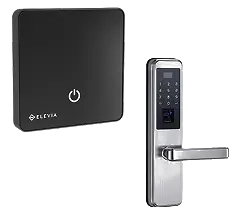
0.5-inch capacitive touch
The 0.5-inch capacitive touch makes direct control of the switch simple.

ELEVIA Smart Scenario Switch


ELEVIA Smart Scenario Switch
A scenario is several actions defined in advance for a specific situation. For example, a “leaving” scenario can manage the chosen devices in one command, or an “arriving” scenario can prepare a set of devices for starting to use the space. With the ELEVIA scenario switch, the goal is not to have more commands; the goal is to condense multiple commands into one simple action.
View price and buyWi-Fi connectivity and support for the ELEHOME platform place the Elevia touch scenario switch inside the smart control structure, so devices can be managed over the internet.
Scenarios can be part of the home’s smart ecosystem, where different devices are managed together based on defined commands.
A smart connection should not take local control away. The Elevia scenario switch can keep working on its own if the internet or network drops. Dependence on an outside connection does not block local control, and the switch keeps its function when the connection is lost.
View price and buy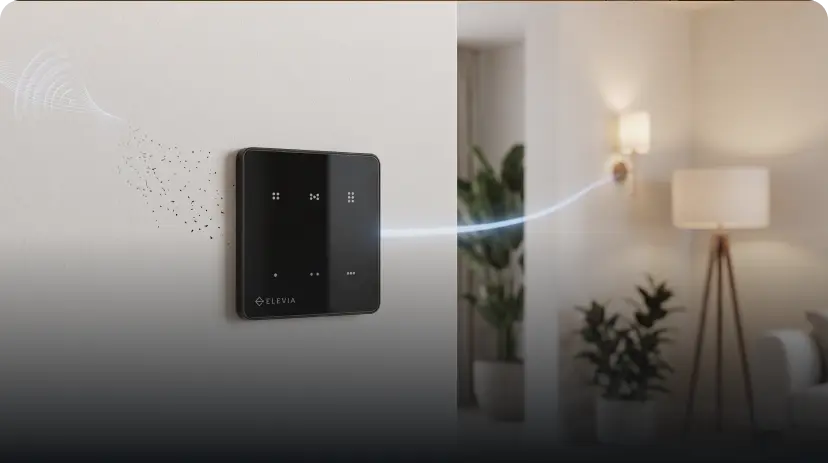
Hassle-free installation
The ELEVIA smart scenario switch is designed for traditional wall boxes, and it is installed without changing the building wiring. Side claws or box screws to the EU standard make installation simpler across different box types. You can add scenario control to the space you want without turning installation into a complicated project.

A switch designed to run scenarios quickly
The 0.5-inch capacitive touch makes direct control of the switch simple.
This helps command processing stay steadier in different conditions.
Automatic calibration keeps performance consistent in different environmental conditions.
This link controls the 6-relay module and lets the switch work as a 6-pole key.

An integrated smart system.
This switch has an internal temperature sensor and can monitor the room temperature. A current sensor is also included to monitor power use. So besides running a command, the smart structure also receives information about the environment and consumption, which makes more informed control of devices possible.
22.4 °C
48.2 W

Uses
Simple curtain control without getting up from where you rest.
Coordinate curtain control with the home’s other smart devices and scenarios.
Manage the curtain from the switch or through the app.
Place control of one curtain inside ELEHOME’s central management.
Quick installation in traditional wall boxes, without changing the building wiring.
Everything you need to know
The start of smart living, without the complexity
The ELEVIA smart scenario switch is made for when intelligence should reduce the number of commands, not add to them. Wi-Fi, ELEHOME, scenario writing, RS-485 communication with the 6-relay module, local control, and customizable design all serve one idea:
“Several coordinated actions, with one command.”ELEVIA Ecosystem
“Several coordinated actions, with one command.”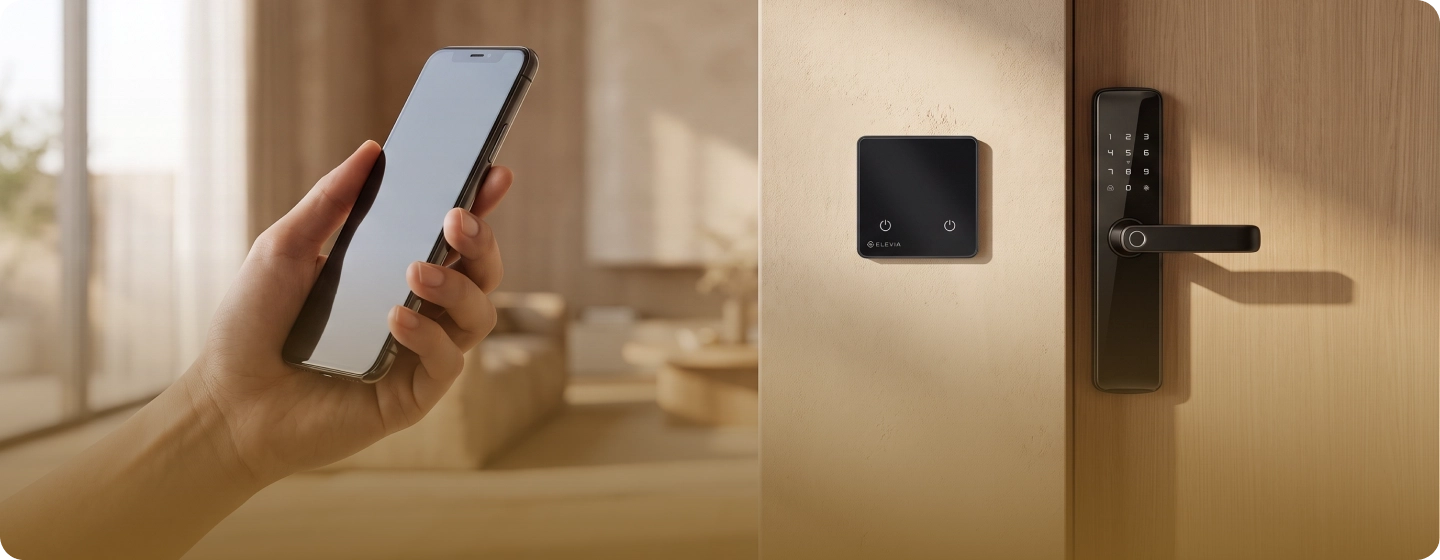
Manage and control smart devices with ELEHOME
From security and notifications to lighting, automation, and intelligent energy flow
View and download


 When several devices need to work within defined commands.