Dual-core processor and a noise-resistant algorithm
Keeps the push button stable in different environmental conditions.

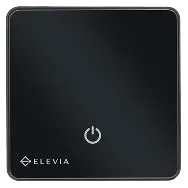
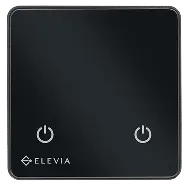
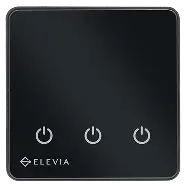
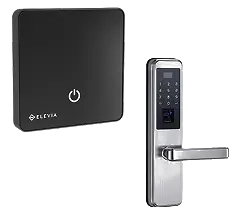
ELEVIA Smart Push Button


ELEVIA Smart Push Button
Making a doorbell smart does not have to be hard.

By connecting the push button to Wi-Fi and the ELEHOME platform, you can manage the doorbell from the app and set schedules and scenes. A short touch can be more than a bell — it can follow the flow of your life.
View price and buyThe capacitive surface puts a momentary command at your fingertips with a simple touch.
Manage the doorbell connected to the push button through ELEHOME and place it alongside your other smart-home devices.
A smart home should not depend on a permanent connection. The ELEVIA smart push button can keep working on its own if the internet or network drops, so the main command at the switch remains available.
View price and buy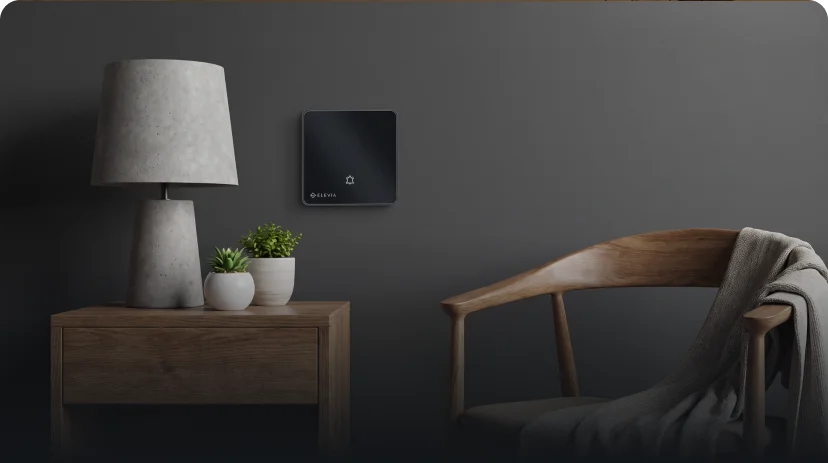
Hassle-free installation
The ELEVIA smart push button is designed for traditional switch boxes. It can be installed without changing the building’s existing wiring, and side claws or box screws make it compatible with EU-standard boxes. That makes it simpler to upgrade an existing doorbell to a smarter home.

Behind the push button’s simple look is a set of control and protection technologies.
Keeps the push button stable in different environmental conditions.
Automatic calibration prepares the touch surface for different environmental conditions.
The push-button command is sent through a 30A relay with a high switching cycle count.
Beauty and intelligence together

Integrated smart system
The ELEVIA smart push button does more than send a doorbell command. An internal temperature sensor and a current sensor monitor ambient temperature and power use. A momentary command, together with environment and energy data, becomes part of one smart system.
22.4 °C
48.2 W

Applications
The Elevia smart push button is suitable for home entrances, where a single push button is enough to control the doorbell.
The Elevia smart push button is suitable for hallways, where a single push button is enough to control the doorbell.
The Elevia smart push button is suitable for rooms, where a single push button is enough to control the doorbell.
The Elevia smart push button is suitable for offices, where a single push button is enough to control the doorbell.
The Elevia smart push button is suitable for small spaces, where a single push button is enough to control the doorbell.
Everything you need to know
The starting point of smart living
The ELEVIA smart push button can be the starting point for bringing a doorbell and a momentary command into the ELEHOME ecosystem, alongside the home’s other devices, scenes, schedules, and automations.
“Smart living does not start with big changes; sometimes it starts with one short touch.”ELEVIA Ecosystem
“Smart living does not start with big changes; sometimes it starts with one short touch.”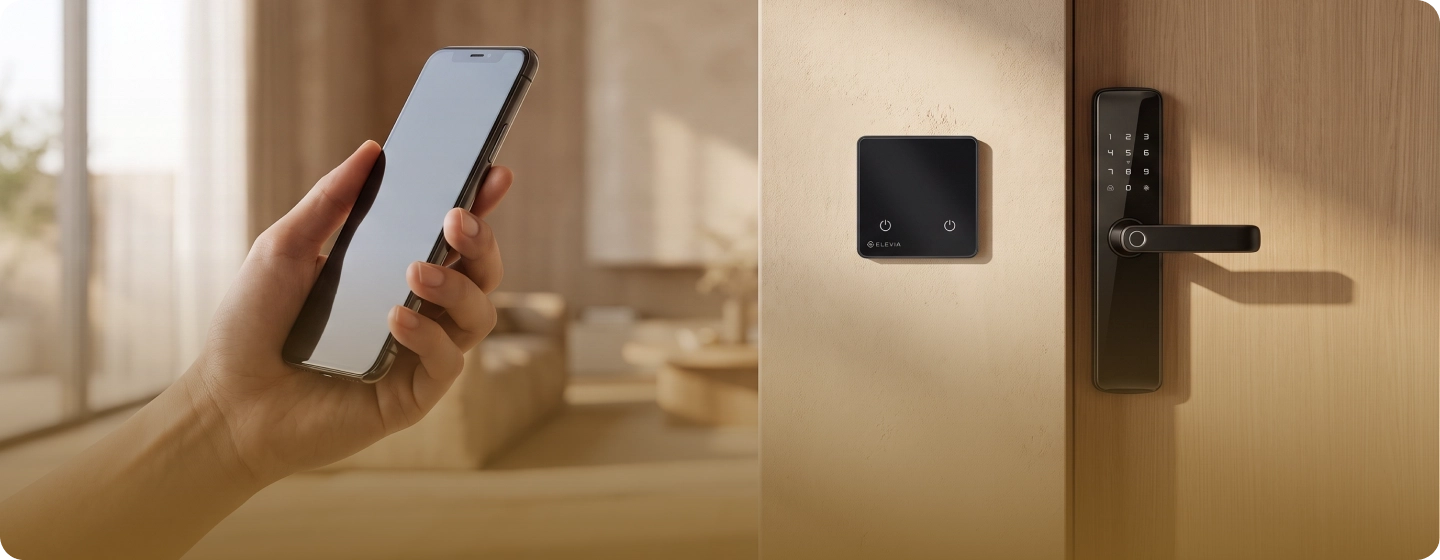
Manage and control smart devices with ELEHOME
From security and notifications to lighting, automation, and intelligent energy flow
View and download

 For entrances and spaces that need one momentary command